Korea SIM card vs eSIM for tourists: Resident Guide


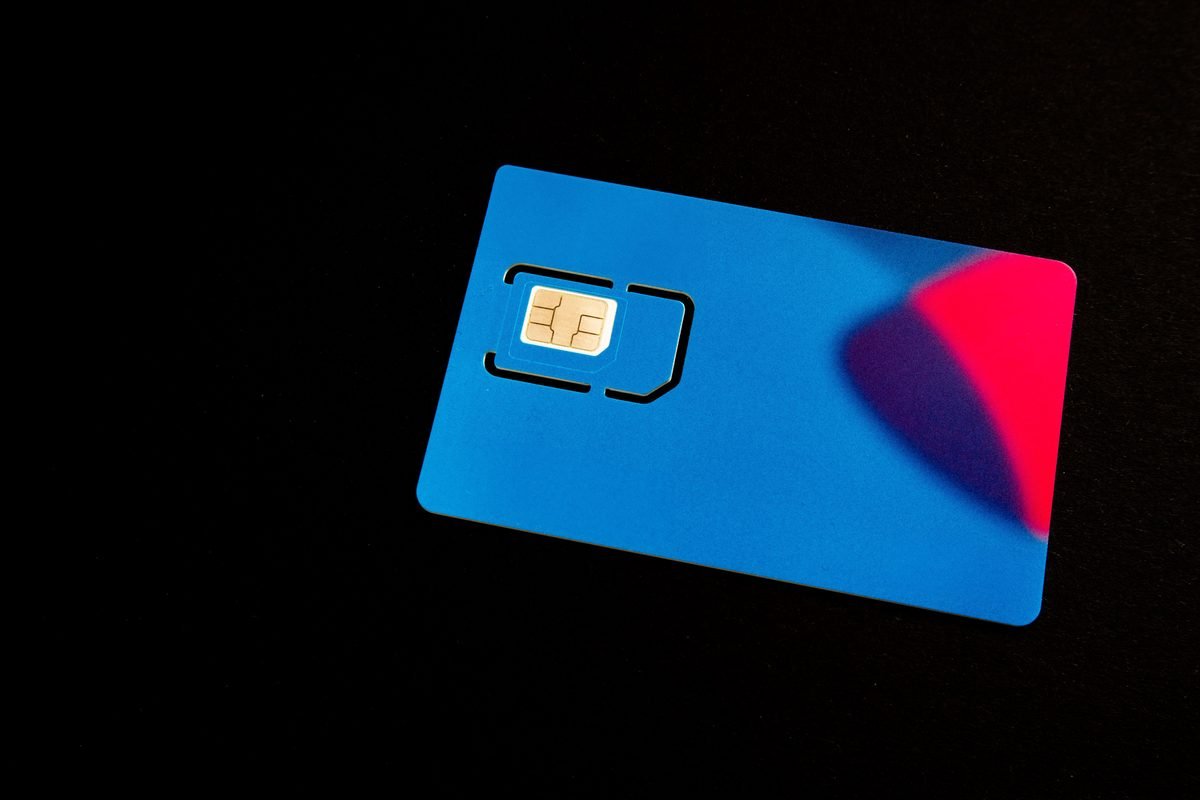
Standing in the arrival hall of Incheon Airport Terminal 1, you will immediately face a wall of glowing red, orange, and blue telecom booths. A basic physical SIM card here costs about ₩27,500 (about $21) for five days of unlimited data. It is the first purchase almost every traveler makes after stepping off the plane. Over years of living in Seoul, I have watched friends fumble with plastic trays, lose their tiny home country SIM cards, or struggle with slow roaming data. The choice between a Korea SIM card vs eSIM for tourists is one of the most critical decisions you will make before your plane lands.
This guide is for independent travelers who want reliable, high-speed data without overpaying. I will break down the differences between physical cards and digital profiles, explain where to buy them, and look at why a local phone number is essential for getting around. From navigating Seoul’s subway system to ordering late-night fried chicken, your connection shapes your entire Korean adventure.
How to choose: Korea SIM card vs eSIM for tourists
Choosing between these two options depends entirely on your phone model and your travel style. An eSIM is incredibly convenient because you do not have to swap physical pieces of plastic. You simply scan a QR code before you leave home, and your phone connects to a local network like SK Telecom or KT the moment your wheels touch the tarmac in Seoul. It is fast. It is clean. You do not risk dropping your original SIM under an airport seat.
However, physical SIM cards still hold a massive advantage in South Korea. Many tourist eSIMs are data-only. They do not come with a real local phone number starting with 010. If you choose a physical SIM card at an airport counter, you can easily opt for a plan that includes receiving voice calls and text messages. This is crucial for several local services.
You must also check if your phone is carrier-locked. Many travelers from the United States or the United Kingdom arrive in Korea only to find their domestic carrier has locked their device. An eSIM will not work on a locked phone. If your phone is unlocked, eSIM is the easiest path for pure data. If you need a functioning phone number for local apps, a physical SIM remains the gold standard. Weigh these factors before making your purchase.
Book ahead: Book in advance
Book your eSIM online at least three days before your departure to ensure you receive the QR setup code in your email inbox.
Why having a local Korean phone number matters
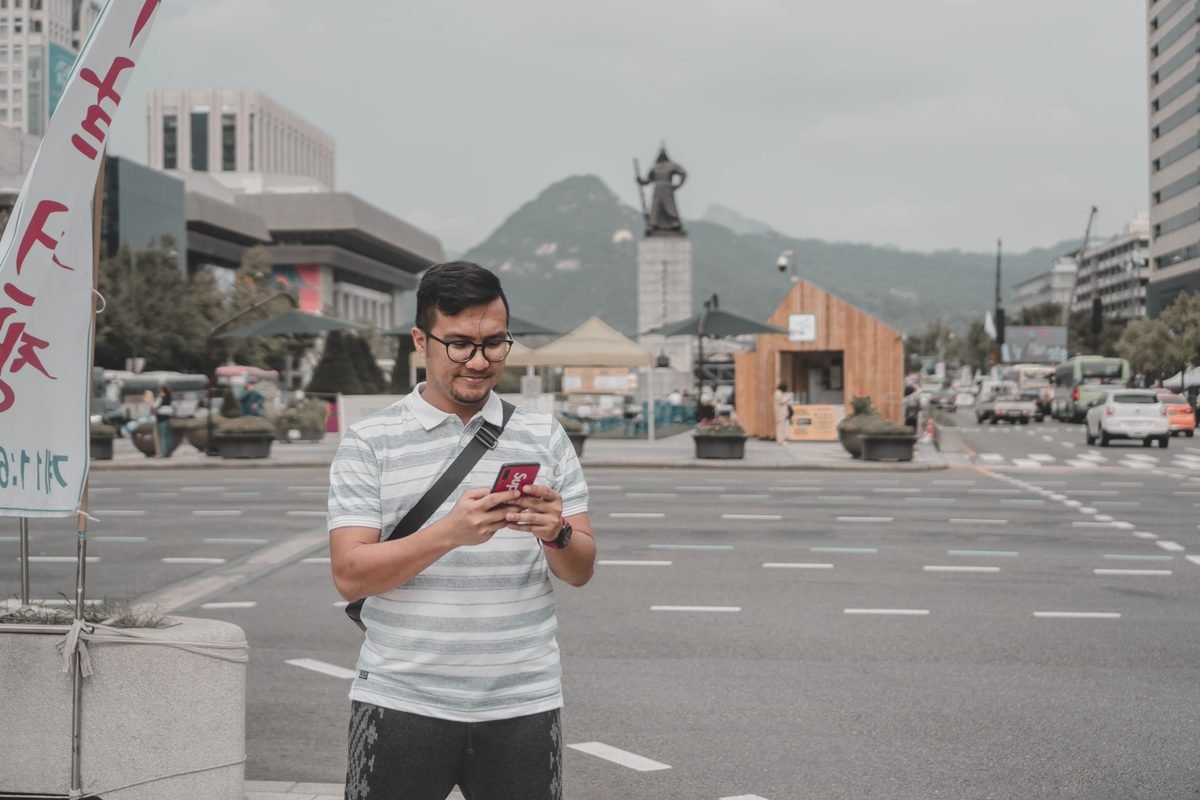
Many travelers assume that data is all they need. In Seoul, this is a common mistake. South Korea is one of the most digitally integrated societies on earth, and much of this infrastructure relies on phone number verification. If you want to use Kakao T, the local equivalent of Uber, you will find it much easier to coordinate with drivers if you have a number they can call. Drivers often call to confirm your exact pickup spot, especially in crowded areas like Hongdae or Gangnam.
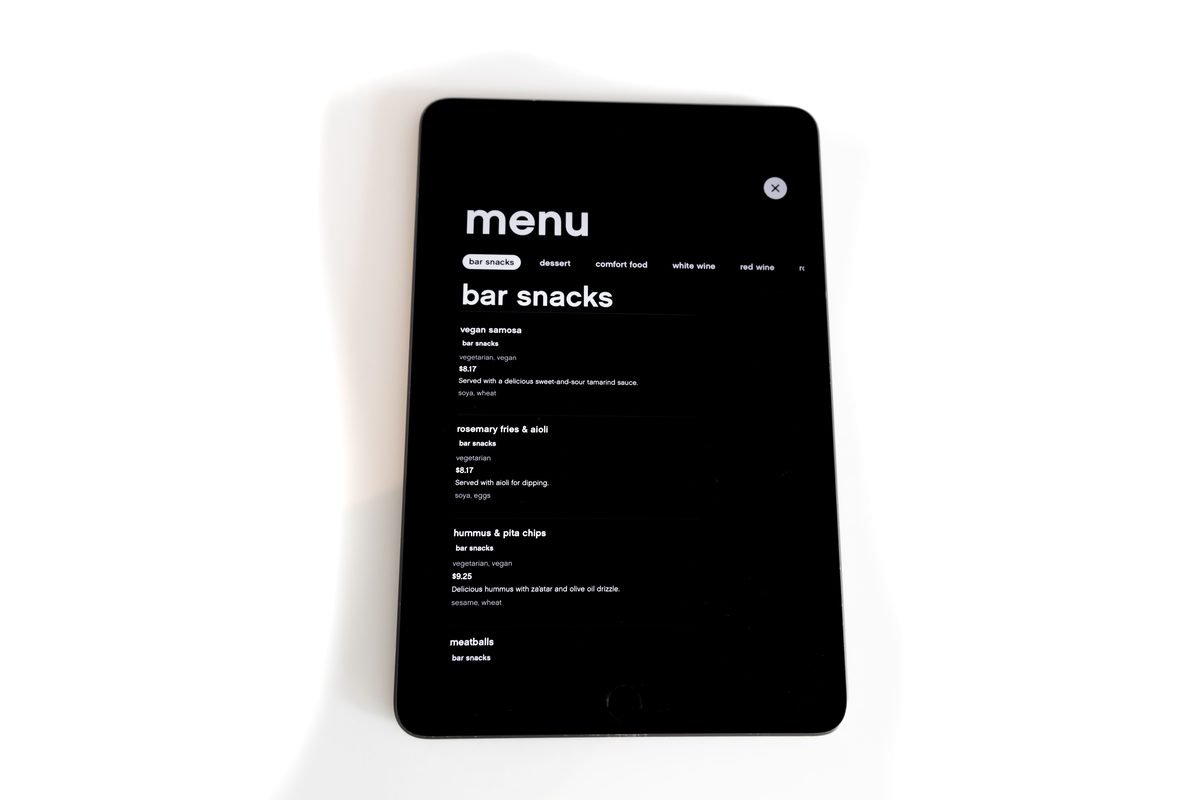
Food delivery is another major hurdle. Apps like Coupang Eats or Baemin generally require a domestic phone number for identity verification. Without one, ordering a midnight feast of Korean fried chicken to your hotel room becomes a complicated chore. Even entry systems at popular restaurants in areas like Ikseon-dong use digital waiting lists. You enter your phone number into a tablet at the door, and the system sends you a KakaoTalk message when your table is ready.
If you have a data-only plan, you cannot receive these alerts. You are forced to stand outside in the cold or heat, hoping the staff do not skip your name. While some premium eSIMs now offer virtual numbers, a physical tourist SIM with incoming call capabilities is still the most reliable way to navigate these daily hurdles. It saves time and prevents unnecessary frustration.
From a local: Local Workaround
If a restaurant tablet asks for a local number and you do not have one, politely ask the host if they can write your name down manually.
Buying at the airport vs ordering online
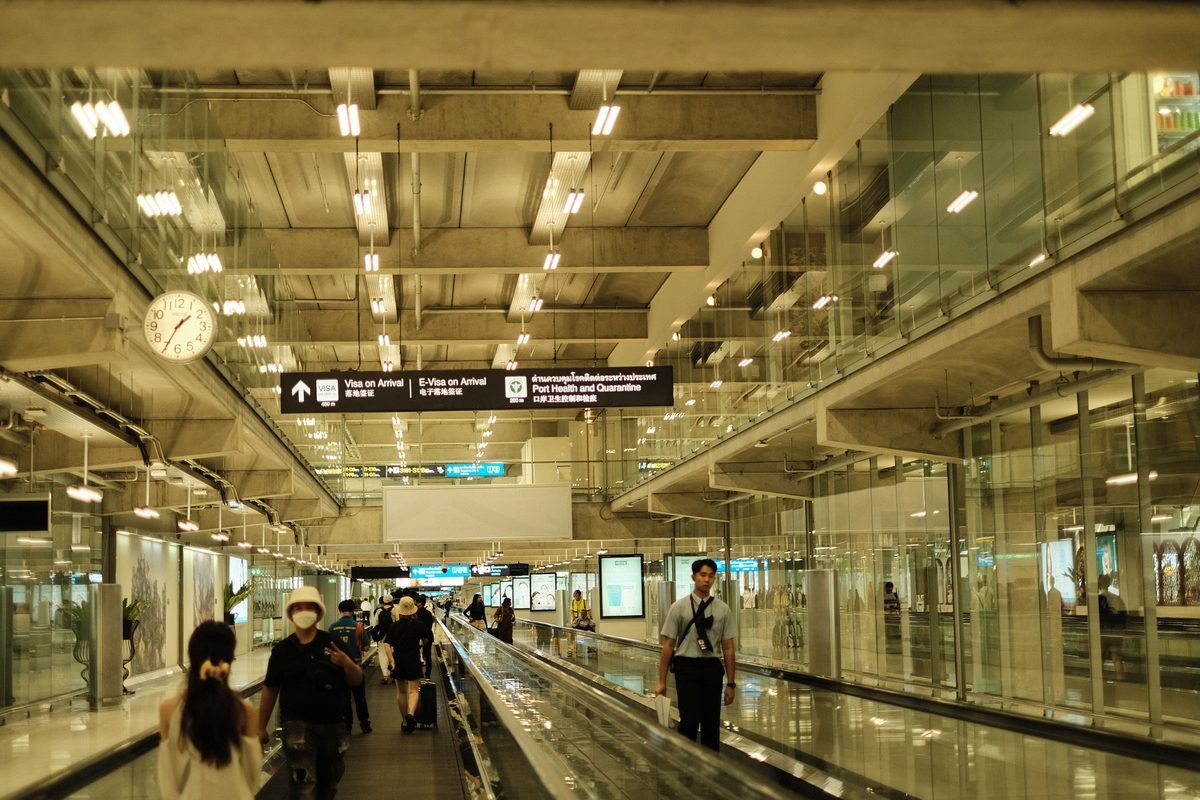
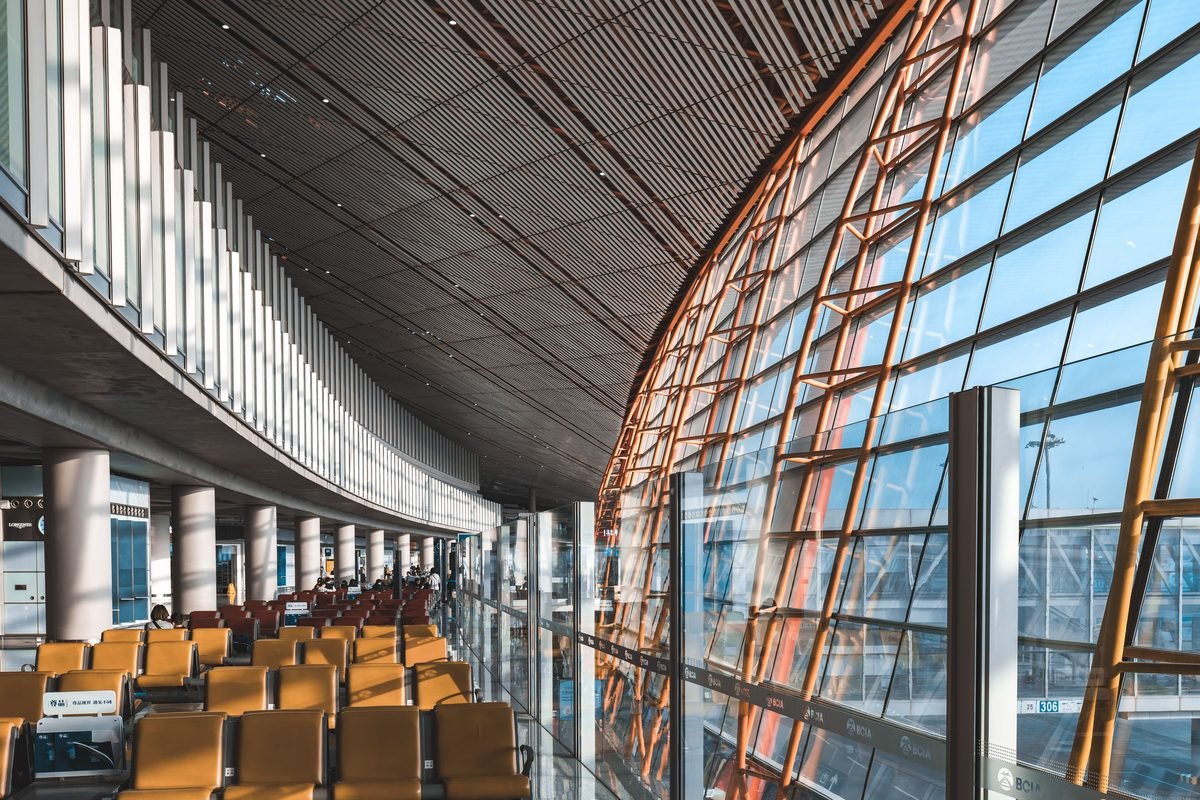
Incheon International Airport is one of the most efficient transit hubs in the world. The major Korean telecom providers—SK Telecom, KT (Korea Telecom), and LG U+—all operate large, bright desks in the arrival halls of both Terminal 1 and Terminal 2. Buying your SIM card here is incredibly straightforward. The staff speak excellent English, and they will physically install the card into your phone and ensure it is working before you walk away.
The cost for a 10-day unlimited data physical SIM at the airport is roughly ₩38,500 (about $29). You can pay with a foreign credit card easily. The main downside is the queue. If several large flights land at the same time, you might wait thirty minutes just to reach the counter.
Ordering online beforehand is usually cheaper and faster. You can reserve a SIM card on platforms like Klook or Trazy and simply pick it up at a designated airport kiosk, bypassing the main sales lines. For eSIMs, ordering online is a no-brainer. You bypass the airport counters entirely. You can connect to the airport’s free public Wi-Fi upon arrival, activate your digital profile, and walk straight to the airport railroad. It eliminates the stress of waiting in lines after a long flight.
Heads up: Kiosk Hours
Airport counters close late, but some pickup kiosks for pre-ordered cards shut down by 10:00 PM, so check your arrival time carefully.
Best eSIM apps and providers for Korea
If you decide to go the digital route, you have several excellent providers to choose from. Global eSIM marketplaces like Airalo are highly popular among international travelers. Airalo offers a dedicated Korea plan called LG U+ which runs on the highly reliable LG U+ network. A 10-day unlimited data plan on Airalo costs roughly $32. It is easy to buy through their app, and the installation process is guided step-by-step.
For those who want a local number with their eSIM, the official KT (Korea Telecom) website is a fantastic resource. They sell tourist eSIMs that include a local phone number starting with 010. You can receive incoming voice calls and text messages for free, which solves the restaurant reservation and taxi communication issues. A 5-day KT eSIM costs about ₩27,500 (about $21).
Another excellent option for budget-conscious travelers or those staying longer is Chingu Mobile. They specialize in plans for students and long-term visitors but offer highly competitive short-term tourist rates. They use the SK Telecom and KT networks, providing excellent coverage across the country. Whichever provider you choose, ensure your phone is compatible with eSIM technology before purchasing. Most iPhones from the XR onward and modern Samsung Galaxy devices support it seamlessly.
What to do if your phone is locked
Discovering that your phone is locked by your home carrier after landing in Seoul is a nightmare scenario. If this happens, neither a local physical SIM nor an eSIM will work. Your phone will simply display an error message. Fortunately, you still have excellent alternatives to stay connected during your trip.
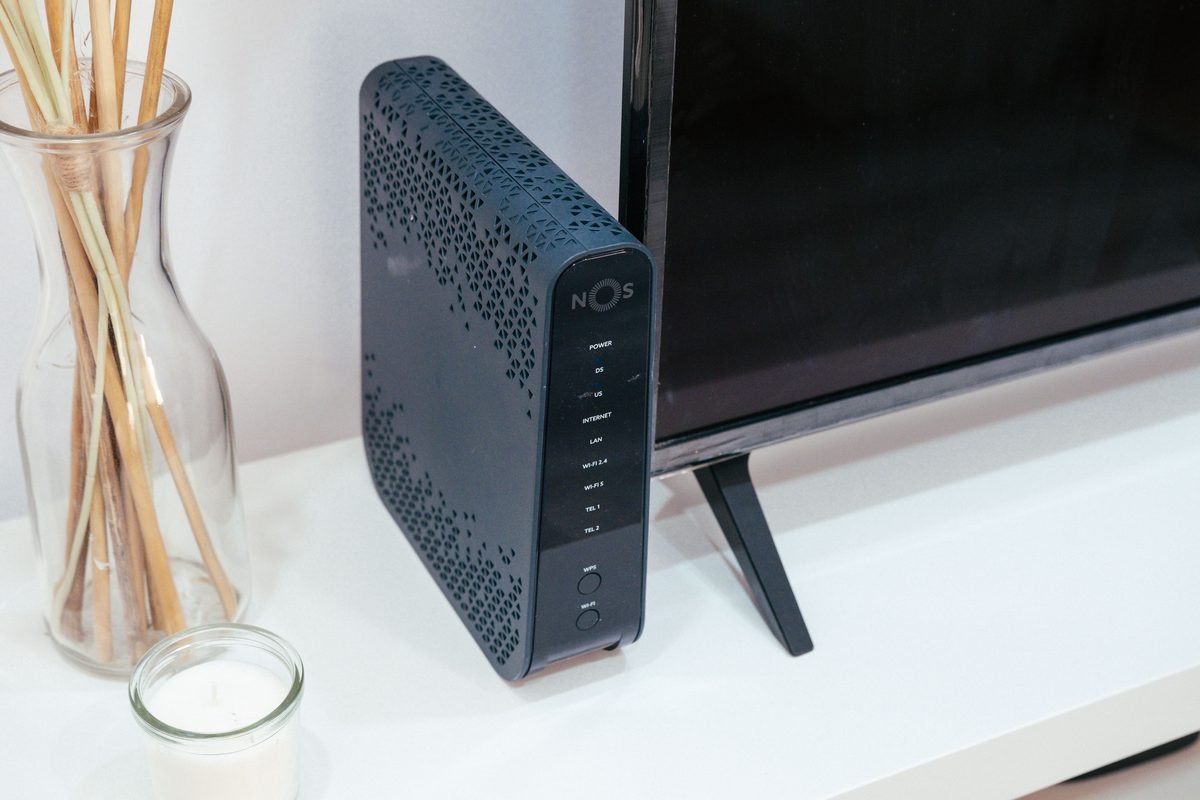
The most popular solution is renting a pocket Wi-Fi router, often called a “Wi-Fi egg” in Korea. These small, portable devices connect to the local high-speed cellular network and broadcast a private Wi-Fi signal that you can connect your phone to. You can rent them at Incheon Airport from KT or SK Telecom desks for about ₩3,300 to ₩4,400 (about $2.50 to $3.30) per day.
They offer unlimited high-speed data and allow you to connect multiple devices simultaneously. This is highly cost-effective if you are traveling with a partner or family. The main drawback is that you must carry the device with you everywhere, keep it charged, and return it to the airport before your departure flight.
Alternatively, you can rely on Seoul’s extensive public Wi-Fi network. The city offers free Wi-Fi on subways, buses, and in most public parks. However, this public connection can be spotty and insecure. Renting a pocket router is a far more reliable choice if your phone is locked.
Tip: Power Bank Essential
Always carry a small power bank to keep your pocket Wi-Fi router charged throughout long days of sightseeing.
Practical tips for staying connected in Seoul
Once your internet connection is active, you need the right tools to navigate the city. Do not rely on Google Maps. It does not work for walking or transit directions in South Korea due to government security restrictions on geographic data. Instead, immediately download Naver Map or KakaoMap. Both apps are available in English and offer incredibly precise, real-time routing for Seoul’s subways, buses, and walking paths.
For transport, you will also want to download Kakao T. This is the premier taxi-hailing app in the country. You can link your international credit card to the app, making payment seamless. If your driver cannot find you, they can message you directly through the app, which is where your local phone connection becomes invaluable.
Keep in mind that Seoul’s subway system is vast but highly logical. A single ride costs ₩1,550 (about $1.15) with a T-money card, which you can purchase at any convenience store like 7-Eleven for about ₩4,000 (about $3). Keep your data active so you can check which subway car is closest to your transfer platform. This small detail can save you minutes of walking through massive underground stations. With a solid data plan and the right apps, you will navigate Seoul like a seasoned resident.
What it costs in Korea
| Item | Local price | USD |
|---|---|---|
| 5-Day Unlimited eSIM (Data only) | ₩16,500 | about $12 |
| 10-Day Physical SIM (with incoming calls) | ₩38,500 | about $29 |
| Pocket Wi-Fi Rental (per day) | ₩3,300 | about $2.50 |
| Blank T-money Card | ₩4,000 | about $3 |
| Base Subway Fare (single ride) | ₩1,550 | about $1.15 |
| Base Taxi Fare | ₩4,800 | about $3.60 |
| Estimated Daily Connectivity Total | ₩5,500 | about $4.10 |
Prices checked September 2026. Always confirm with the provider before you book.
Mistakes to avoid
- Assuming Google Maps will work for walking directions in Korea.
- Buying a data-only plan when you need to book popular restaurants or call taxis.
- Forgetting to unlock your smartphone with your home carrier before leaving.
FAQ
Which is better: a Korea SIM card vs eSIM for tourists?
For most tourists with unlocked phones, an eSIM is the superior choice due to its instant activation. However, if you need a local phone number for apps like Kakao T or restaurant reservations, a physical SIM is better. Always check your device compatibility before making a decision.
Can I get a Korean phone number with an eSIM?
Yes, some local providers like KT offer eSIM plans that include a local number starting with 010. These allow you to receive incoming voice calls and text messages. Be sure to select this specific option when purchasing, as many standard eSIMs are data-only.
Where can I buy a physical SIM card at Incheon Airport?
You can find major telecom booths for SK Telecom, KT, and LG U+ in the arrival halls of both Terminal 1 and Terminal 2. They are open daily, and the staff will help you install the card. Pre-ordering online can save you time and money.
How do I check if my phone is unlocked for Korea?
You must contact your home mobile carrier directly to confirm your device’s lock status. If you purchased your phone on a payment plan, it may still be locked. It is best to resolve this several days before your trip.
Is public Wi-Fi reliable enough to skip buying a SIM?
While Seoul has extensive free public Wi-Fi on buses, subways, and streets, it is not reliable enough to navigate seamlessly. You will lose connection when moving between areas, and public networks pose security risks. Having dedicated mobile data is highly recommended for safety and convenience.